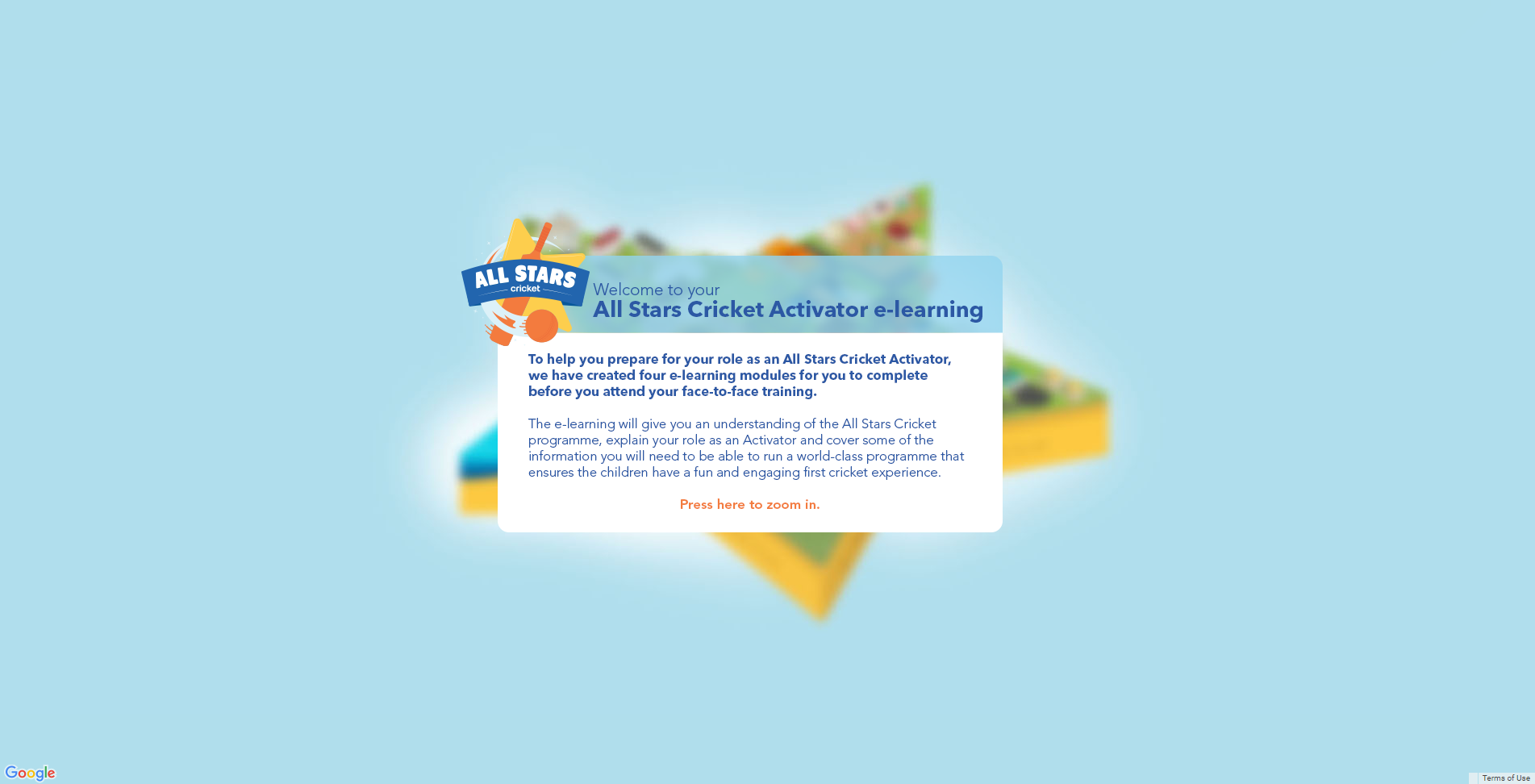
Level 1 of the isometric map introduces the user to the LMS and gives them a brief explanation about how to access the modules. This screen was designed to entice the user in, and welcome them onto their Activator learning journey. The main All Stars town can be seen in the background but is out of focus to draw the users eye onto the landing welcome message. From here, the user can press to zoom in onto the different levels of the map to reveal more information.
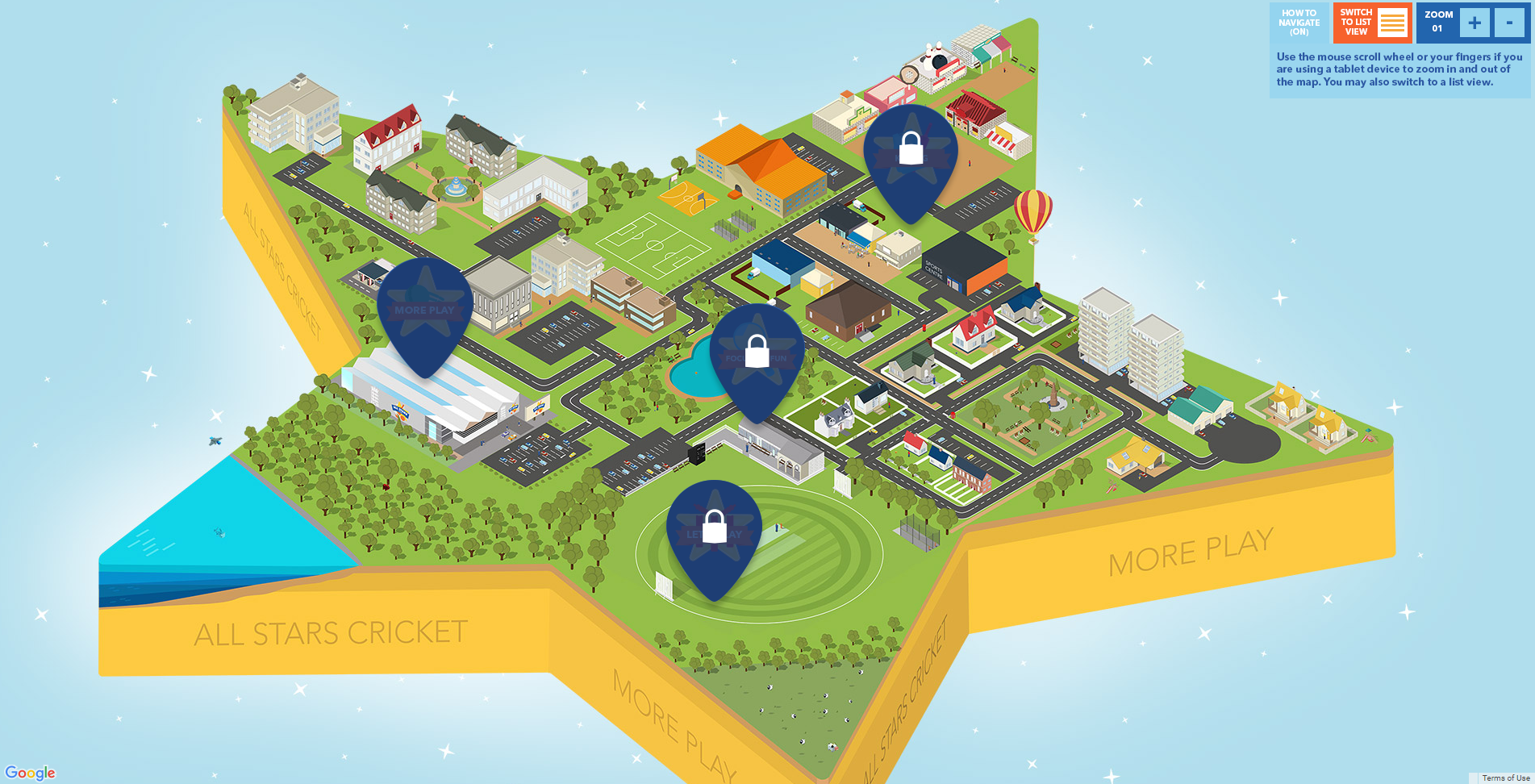
Level 2 allows the user to see the isometric map fully, the different parts of the town reflect the different modules that the users can click on and enter. The pins without the lock icon are currently available to the user. Once the module is complete, the different pins are displayed in full colour and the next module is released as available.
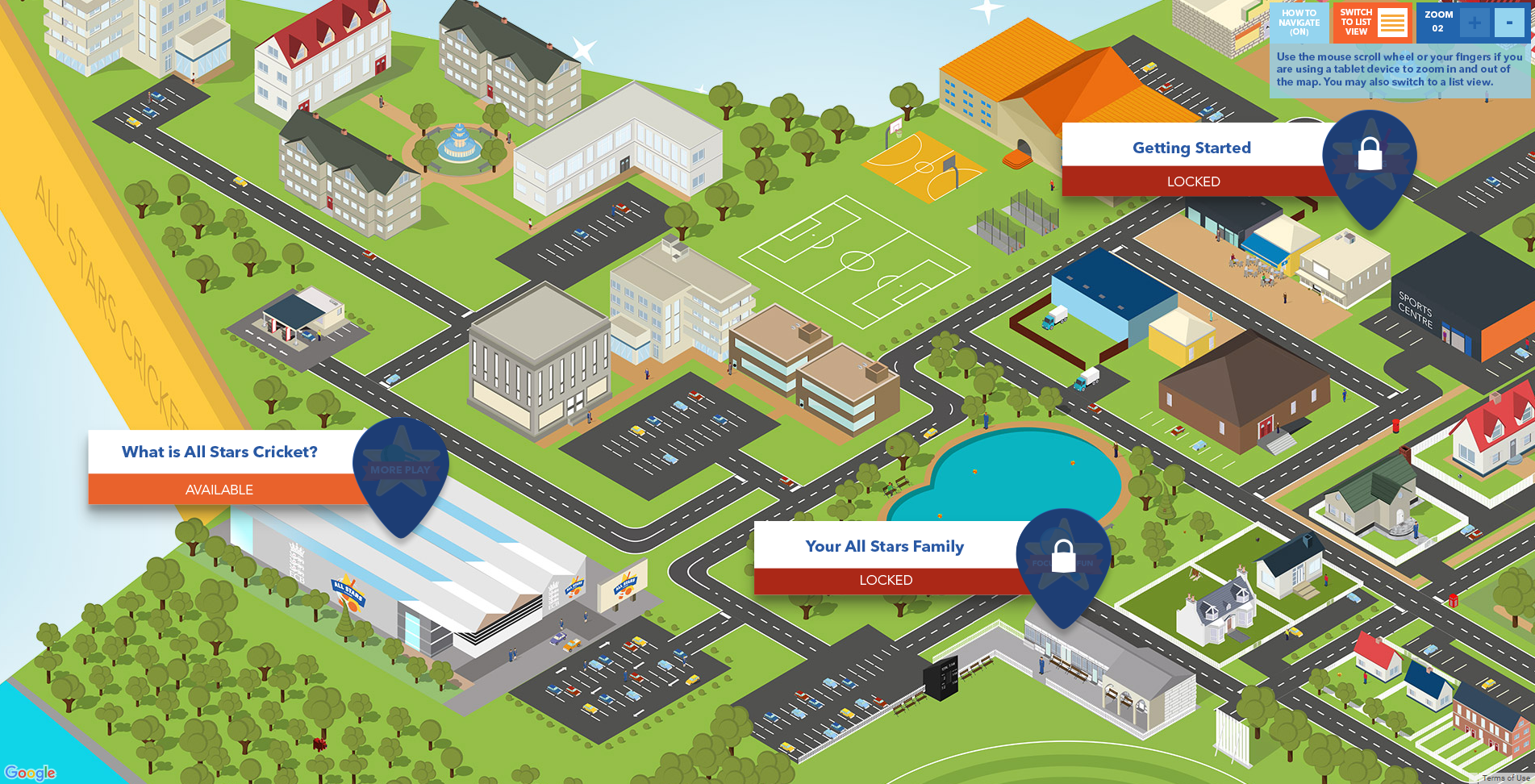
On the final zoom level, the user can see the different modules on the map and the exact status of each module at that point, whether that be "Available", "Completed" or "Locked". At this level, the user can see more detail in the design; cars being driven on the roads, people walking around and ducks in the pond. There are different sections to the map, such as the All Stars HQ, the school, the residential area and a cricket ground.